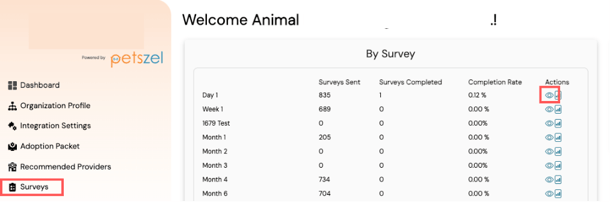
In your shelter dashboard, click on the Survey navigation item. Find the survey you want to preview and click the eye icon next to it.
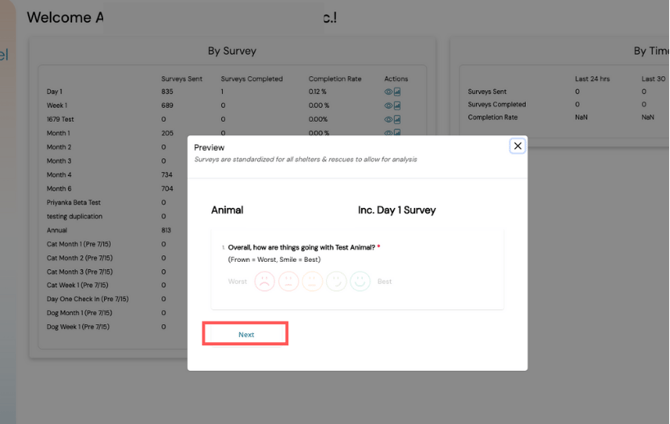
A preview modal will open, allowing you to navigate through the survey and view all the questions.
%20copy-1.png?width=300&height=80&name=petszel-horizontal%20(3)%20copy-1.png)
In your shelter dashboard, click on the Survey navigation item. Find the survey you want to preview and click the eye icon next to it.
A preview modal will open, allowing you to navigate through the survey and view all the questions.